Built around how you actually use the rig.
Not a generic asset tracker with an RV skin. Every screen is here because owners need it, starting with where you went and where you stayed.
Every trip, from driveway to destination.
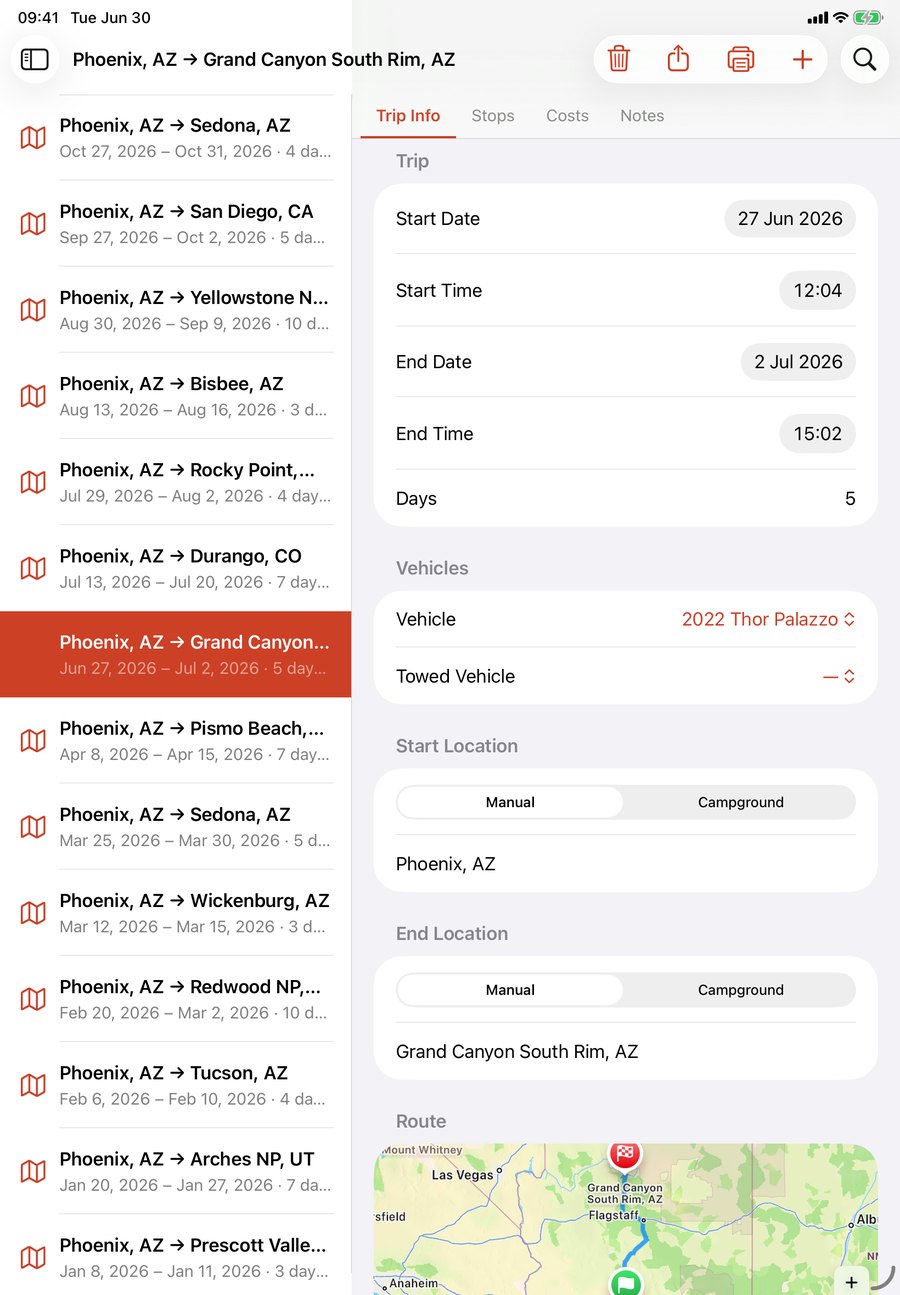
Log each journey end to end: the route, the dates, the nights away and the miles covered, the coach you drove and what you flat-towed behind it. Add your overnight stops, total the fuel, sites and tolls under Costs, and keep the notes you'll want next time. A year of Phoenix-to-Yellowstone runs later, it's the mileage-and-spend record everything else builds on.
The campground guide only you could write.
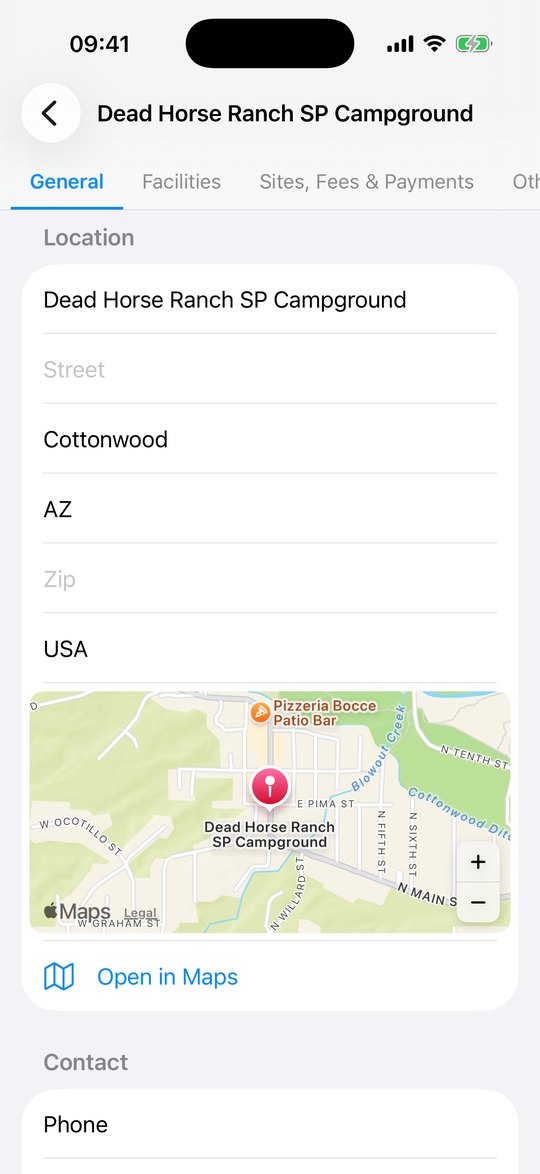
Build your own directory of every site you've stayed, with a map pin, contact details, your honest star rating, and the things the listings skip: hookups and facilities, site types and fees, the rules, what's nearby, and your own photos. Rated Grand Canyon Mather five stars and Moab Valley RV Resort right behind it? Next time you're deciding where to point the rig, you're trusting your own notes, not a stranger's.
Always know which night you're on.
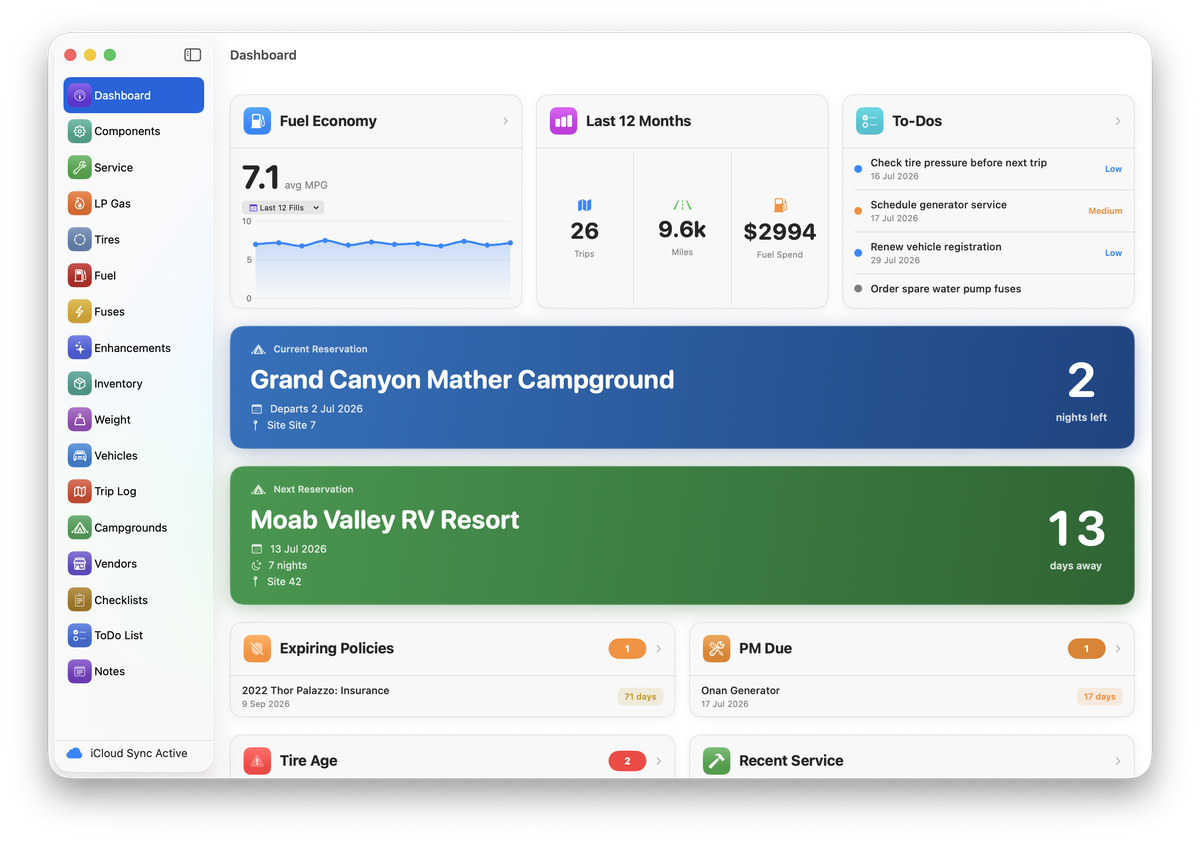
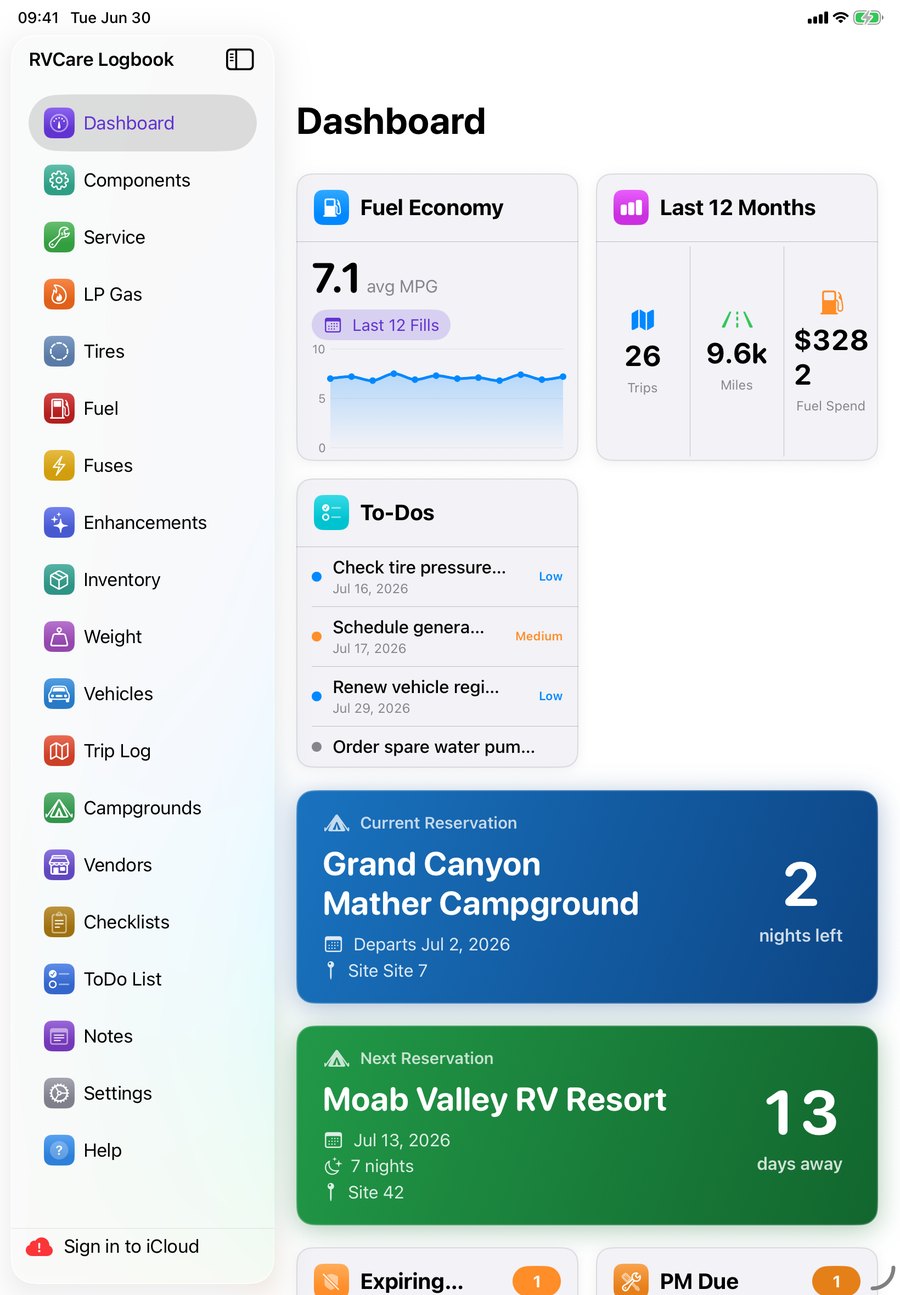
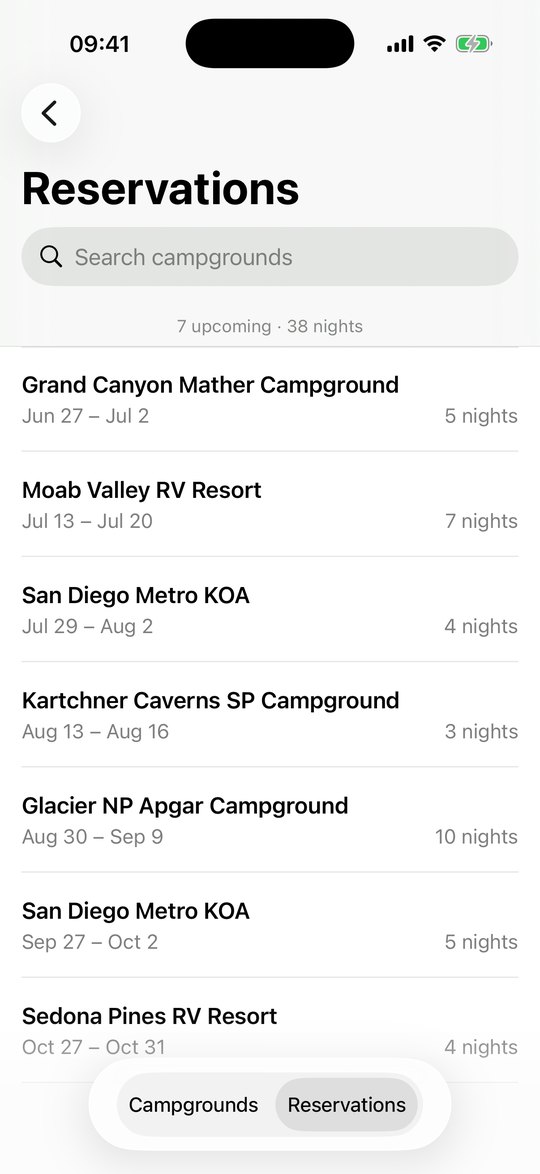
Keep your bookings in the same place as the sites themselves, with seven trips and thirty-eight nights lined up, each with dates and a nightly count. The dashboard does the math you actually care about: how many nights left here, and how many days until the next.
A service record that survives the glovebox.
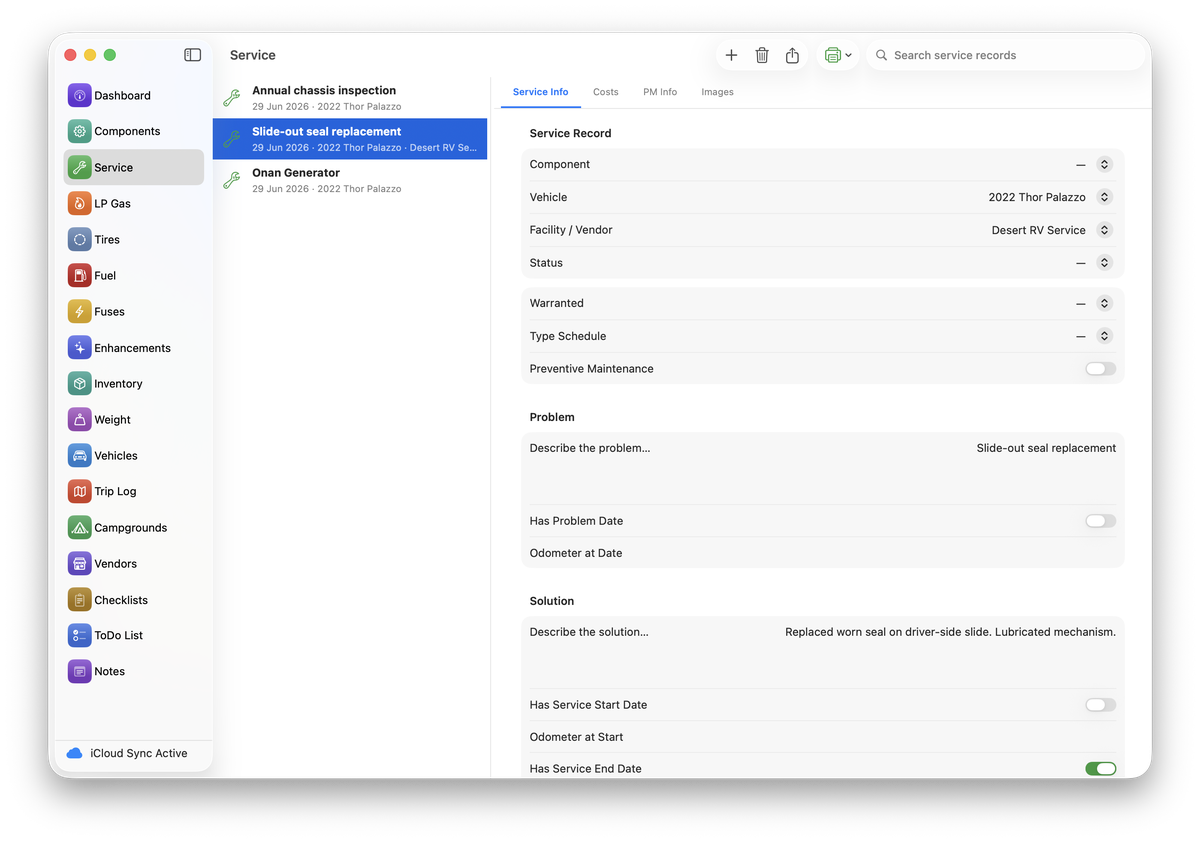
Log every job against the rig and the shop that did it: the annual chassis inspection, the slide-out seal, the Onan generator service, each with the problem, the fix, the cost, and whether it's still under warranty. Flag the preventive items and they surface on the dashboard before they're overdue. Come resale, you hand over a full, dated history instead of a shoebox of receipts.
Watch the fuel math, fill by fill.
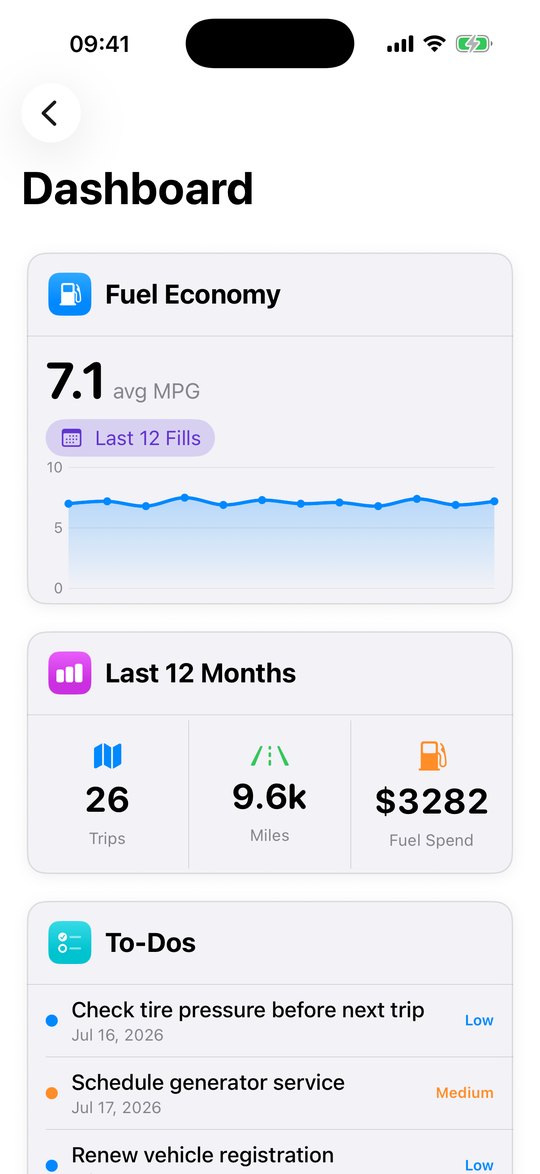
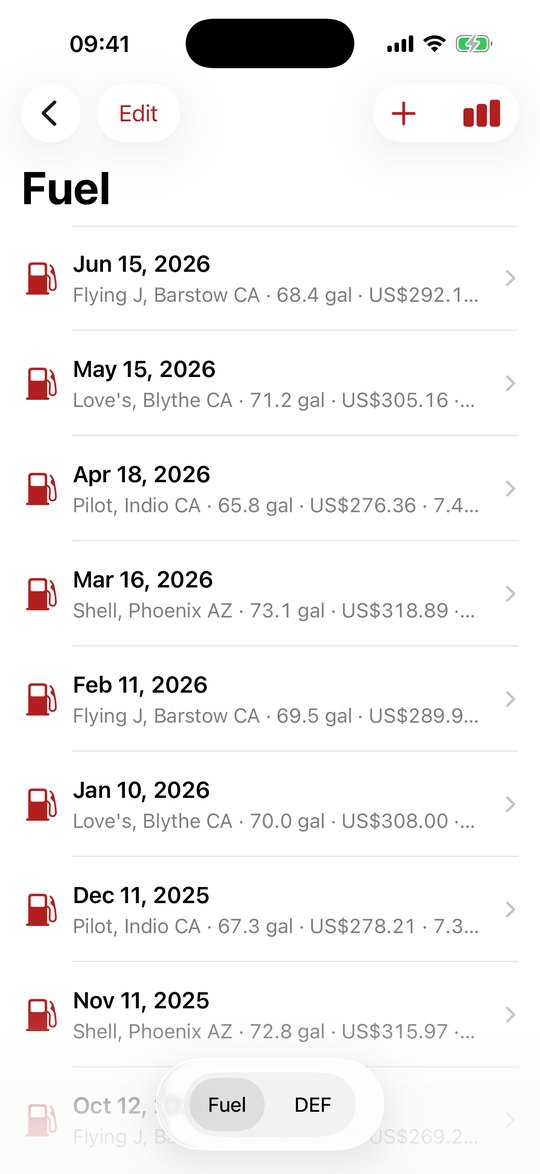
Log each stop at Flying J, Love's or Pilot with gallons, price and odometer, and the app works out your real MPG and your spend across the last twelve months. For a seven-mile-a-gallon diesel pusher, knowing your true numbers is the difference between budgeting a trip and just hoping.
Know what's aboard, and where.
Catalog what lives in the rig (tools, spares, kitchen kit) by category and storage bay, so you stop buying a third set of leveling blocks because you forgot about the first two.
Never pull off with the steps down.
Build reusable checklists for departure, setup and pack-down, and run them every trip. The point isn't checking boxes; it's never again wondering, ten miles down the road, whether you unplugged.
It also tracks components, tire age, weights, LP gas, fuses, enhancements, multiple vehicles, your vendors and free-form notes, so the whole rig lives in one book, not scattered across apps and drawers.